
NestJS: Format Validation Errors Like Laravel (Frontend-Friendly)
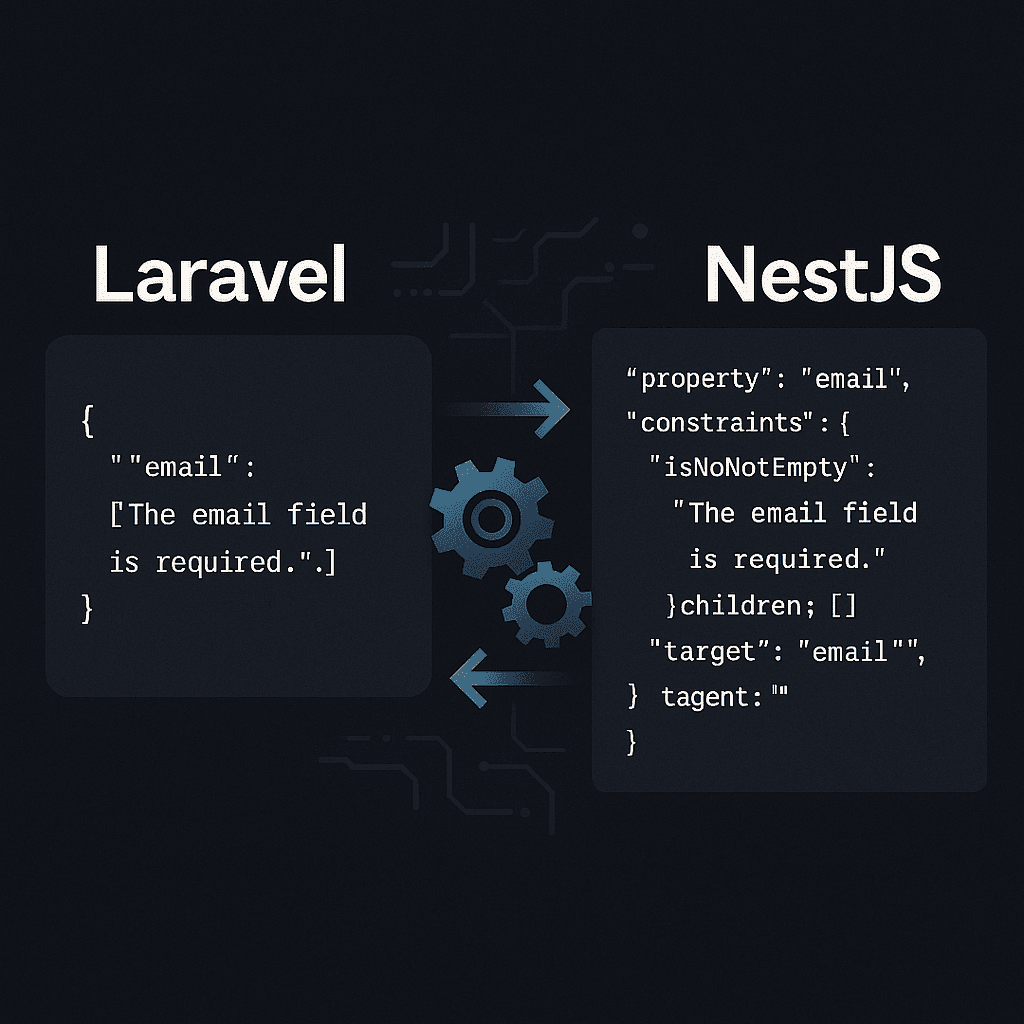
When transitioning from Laravel to NestJS, one thing that quickly stood out was the structure of validation errors. Laravel's validation system returns a clean object with field names as keys and an array of error messages as values. NestJS? Not so much — at least not by default.
I was using Laravel as a backend-for-frontend (BFF), validating data and returning errors that the frontend could easily display inside <p> tags. Once I switched to NestJS, that flow broke — the error structure was too nested and frontend-unfriendly.
In this post, I'll show you how I customized NestJS to return Laravel-style validation errors. It's clean, readable, and makes life easier on the frontend.
🚧The Problem
NestJS returns validation errors in a verbose, nested format — especially when using the built-in ValidationPipe. It contains class names, children, constraints, and more.
But all I wanted was this:
{
  "errors": {
    "email": ["The email field is required."],
    "password": ["The password must be at least 8 characters."]
  }
}
Just like Laravel. Simple and predictable.
✅The Solution
I created a custom ValidationException and ValidationFilter, then used the exceptionFactory option inside ValidationPipe to override how errors are constructed.
// main.ts (only the relevant part)
app.useGlobalPipes(
  new ValidationPipe({
    whitelist: true,
    forbidNonWhitelisted: true,
    exceptionFactory: (errors: ValidationError[]) => {
      return new ValidationException(errors);
    },
  }),
);🛠️Implementation Details
The implementation involves creating custom exception handling that transforms NestJS validation errors into a Laravel-compatible format. Here's the complete solution:
Step 1: Create ValidationException
// validation.exception.ts
import { HttpException, HttpStatus } from '@nestjs/common';
import { ValidationError } from 'class-validator';

export class ValidationException extends HttpException {
  constructor(public validationErrors: ValidationError[]) {
    super('Validation failed', HttpStatus.UNPROCESSABLE_ENTITY);
  }
}
Step 2: Create ValidationFilter
// validation.filter.ts
import { ExceptionFilter, Catch, ArgumentsHost, HttpException } from '@nestjs/common';
import { Response } from 'express';
import { ValidationException } from './validation.exception';

@Catch(ValidationException)
export class ValidationFilter implements ExceptionFilter {
  catch(exception: ValidationException, host: ArgumentsHost) {
    const ctx = host.switchToHttp();
    const response = ctx.getResponse<Response>();

    const errors = this.formatErrors(exception.validationErrors);

    response.status(422).json({
      message: 'Validation failed',
      errors,
    });
  }

  private formatErrors(validationErrors: any[]): Record<string, string[]> {
    const errors: Record<string, string[]> = {};

    validationErrors.forEach((error) => {
      const field = error.property;
      const messages = Object.values(error.constraints || {});
      errors[field] = messages as string[];
    });

    return errors;
  }
}
Step 3: Update main.ts
// main.ts
import { NestFactory } from '@nestjs/core';
import { ValidationPipe, ValidationError } from '@nestjs/common';
import { AppModule } from './app.module';
import { ValidationException } from './validation.exception';
import { ValidationFilter } from './validation.filter';

async function bootstrap() {
  const app = await NestFactory.create(AppModule);

  // Global validation pipe with custom exception factory
  app.useGlobalPipes(
    new ValidationPipe({
      whitelist: true,
      forbidNonWhitelisted: true,
      exceptionFactory: (errors: ValidationError[]) => {
        return new ValidationException(errors);
      },
    }),
  );

  // Global exception filter
  app.useGlobalFilters(new ValidationFilter());

  await app.listen(3000);
}
bootstrap();
Step 4: Use in DTOs
// user.dto.ts
import { IsEmail, IsNotEmpty, MinLength } from 'class-validator';

export class CreateUserDto {
  @IsEmail({}, { message: 'Please provide a valid email address.' })
  @IsNotEmpty({ message: 'The email field is required.' })
  email: string;

  @MinLength(8, { message: 'The password must be at least 8 characters.' })
  @IsNotEmpty({ message: 'The password field is required.' })
  password: string;
}
Result
Now when validation fails, your API returns Laravel-style errors:
{
  "message": "Validation failed",
  "errors": {
    "email": ["Please provide a valid email address."],
    "password": ["The password must be at least 8 characters."]
  }
}